MD Programs

At Ohio State we're leading the transformation of our communities through inclusive and innovative education, discovery and care.
Training and career opportunities, resources and recent innovations.
View researchRepresentation matters to the Ohio State College of Medicine.
Diversity initiatives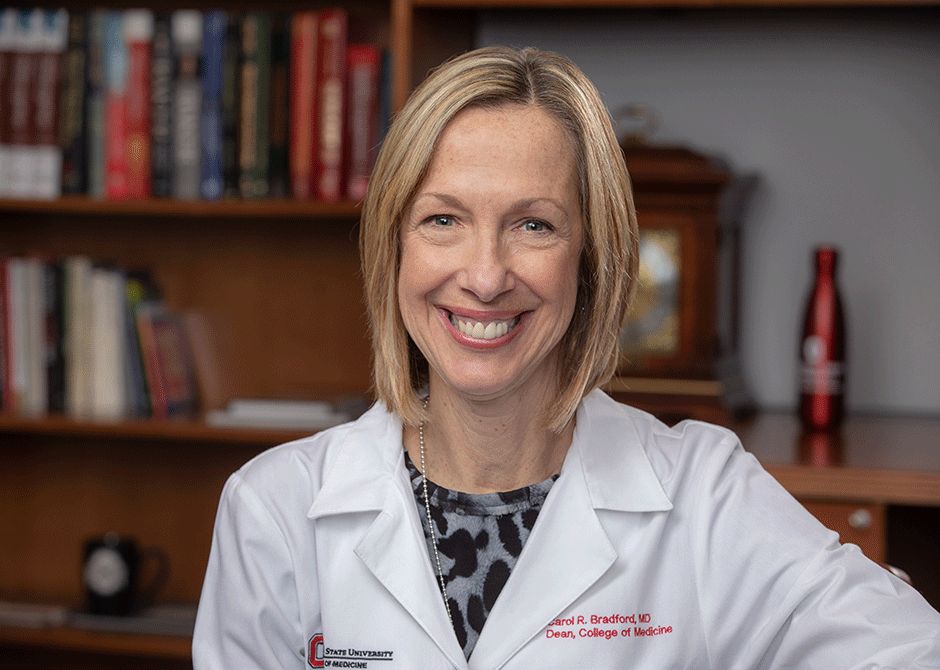
A national leader in academic medicine and education and an internationally recognized head and neck cancer researcher and surgeon, Carol R. Bradford, MD, MS, FACS, is the dean of The Ohio State University College of Medicine and vice president for Health Sciences at The Ohio State University Wexner Medical Center. She is also the Leslie H. and Abigail S. Wexner Dean’s Chair in Medicine and a professor of Otolaryngology – Head and Neck Surgery. Get to know her by reading her blog, in which she shares her thoughts on academic medicine and leadership.
With our bold new curriculum for interprofessional education, ground-breaking novel discoveries partnered with record research funding, high-quality patient-centered care and our talented team of more than 2,800 faculty, nearly 5,000 learners and over 4,000 staff members, we are transforming the health of our communities. See how Ohio State is discovering innovative solutions in medicine.
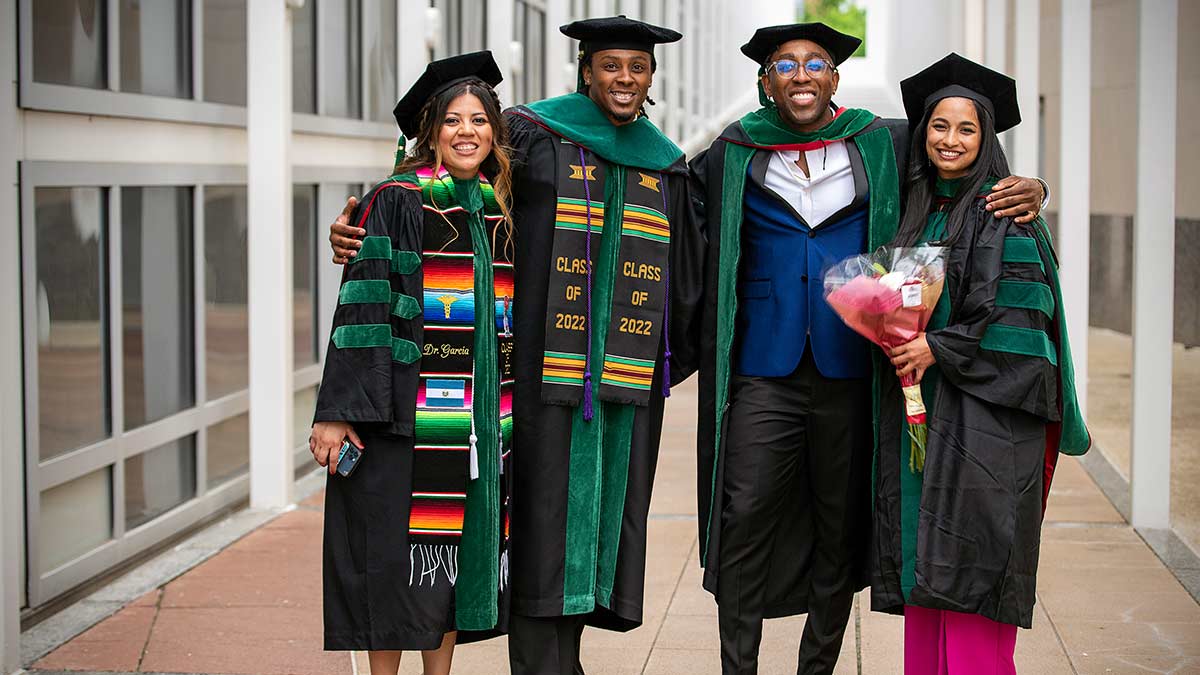
Mission critical: Centering diversity and equity in every facet of medical education and practice
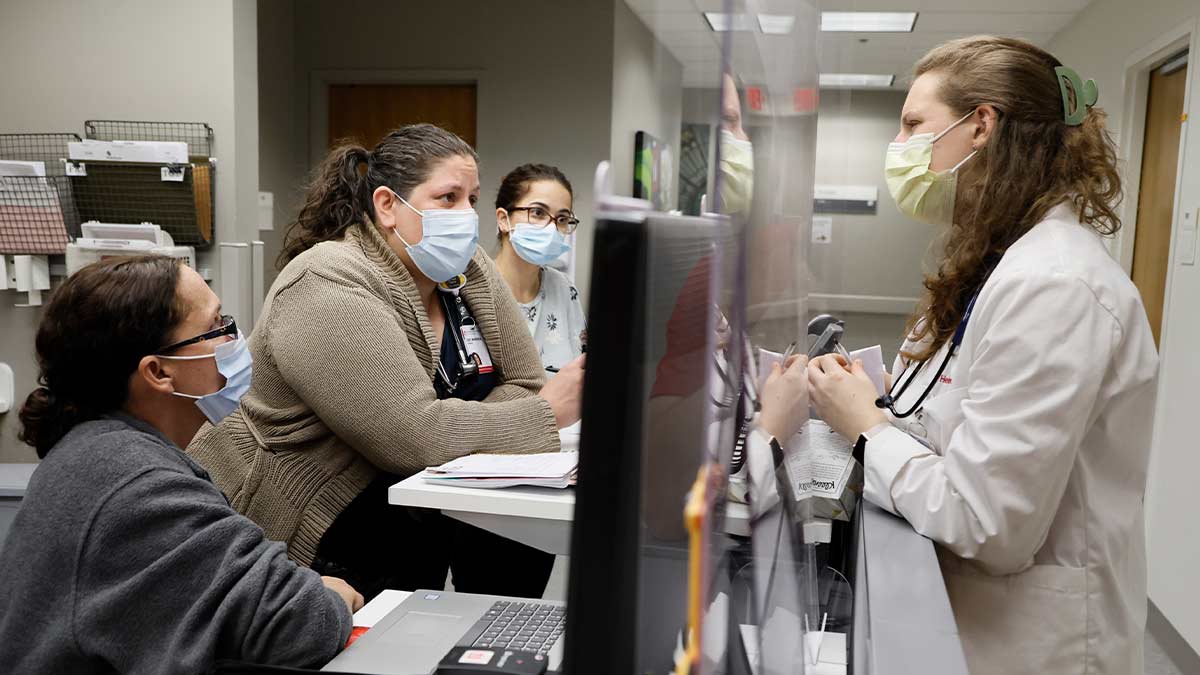
Student-run free clinics provide holistic care
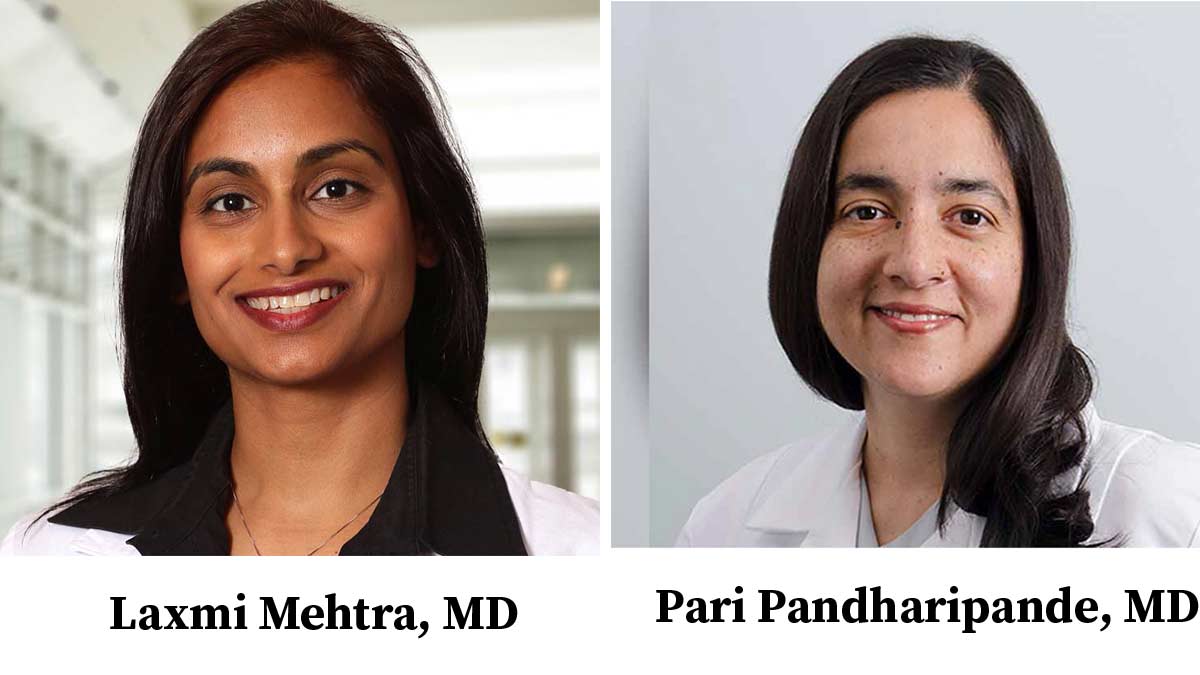
Five female faculty members receive prestigious fellowships in leadership and health care roles

New AHA statement reveals youth vaping is linked to a higher risk of cardiovascular disease